Emergency Tree Service Lead Gen: Capturing Storm Damage Searches in Real Time
Key Takeaways
Storm demand can rise faster than a tree crew can be dispatched, so emergency lead generation has to account for both advertising and real operating capacity.
- Prepare service areas, crew limits, and call handling before severe weather arrives.
- Separate urgent storm searches from routine tree care campaigns.
- Keep local listings, landing pages, and availability information consistent.
- Track qualified calls and booked jobs, not just clicks or form fills.
- Adjust budgets and follow-up as demand and crews change.
Prepare your emergency campaign before storm season
A storm is a difficult time to decide which jobs you can take, where crews can travel, and who will answer the phone. Set those rules in advance, then make the advertising reflect them. That preparation helps a tree service company emergency lead gen plan capture real demand without advertising work the business cannot handle.
Map service areas, crew capacity, and dispatch hours
Start with the practical limits of the operation: the towns crews can reach, the number of emergency jobs they can assess in a shift, and the hours when someone can respond to a new inquiry. Keep the information specific enough to guide decisions, but simple enough to update during a fast-moving event. A small capacity map can give owners and whoever manages ads a shared reference point:
| Operating detail | What to record | Why it matters |
|---|---|---|
| Service area | Towns or postal areas crews can reach | Helps avoid paying for distant inquiries |
| Crew capacity | Open emergency slots by shift | Connects advertising to actual availability |
| Dispatch hours | Times a call can be assessed and routed | Sets realistic expectations for response |
| Job boundaries | Work the company can and cannot take | Helps screen requests before dispatch |
Use this as a working document, not a promise of service. If weather, road conditions, or crew availability changes, update the limits before increasing spend.
Create storm-specific landing pages and call paths
An emergency page should help a worried homeowner understand what to do next without searching through routine pruning services. Keep the page focused on storm damage, clearly state the areas served, and make the phone path easy to find. A separate call route can help the person answering distinguish an urgent hazard from a request for an estimate on future maintenance.
If you want to discuss how campaign planning might fit your operation, you can visit Calendly as a next step. The page itself should still make the immediate contact option clear, including what information callers should have ready.
Set up Google Ads campaigns with location and schedule controls
Build an emergency campaign around the areas and hours your team can support, rather than copying the settings from a routine tree-care campaign. Google Ads can be organized around emergency search intent, with location and schedule settings reviewed against your dispatch plan. Before a storm, check that phone routing and the destination page work as expected on a mobile device.
Keep the campaign structure straightforward enough that someone can make a careful adjustment under pressure. A clearly named campaign and a short written note about its intended coverage reduce confusion when conditions change.
Build a plan for pausing or limiting ads when crews are full
Decide in advance who has authority to reduce budgets or pause an emergency campaign, and what information they need before doing so. A campaign should not keep spending at its normal pace simply because severe weather is still producing searches. Make a capacity check part of the regular storm update, and record when availability changes so the person managing ads can respond.
Capture high-intent storm damage searches
After a storm, a homeowner often searches for a specific problem rather than a general tree-care provider. The campaign should make it easy to distinguish those urgent needs from routine work and should send each search to an appropriate next step. Good targeting is not just about attracting more traffic; it is about attracting requests the crew can assess and serve.
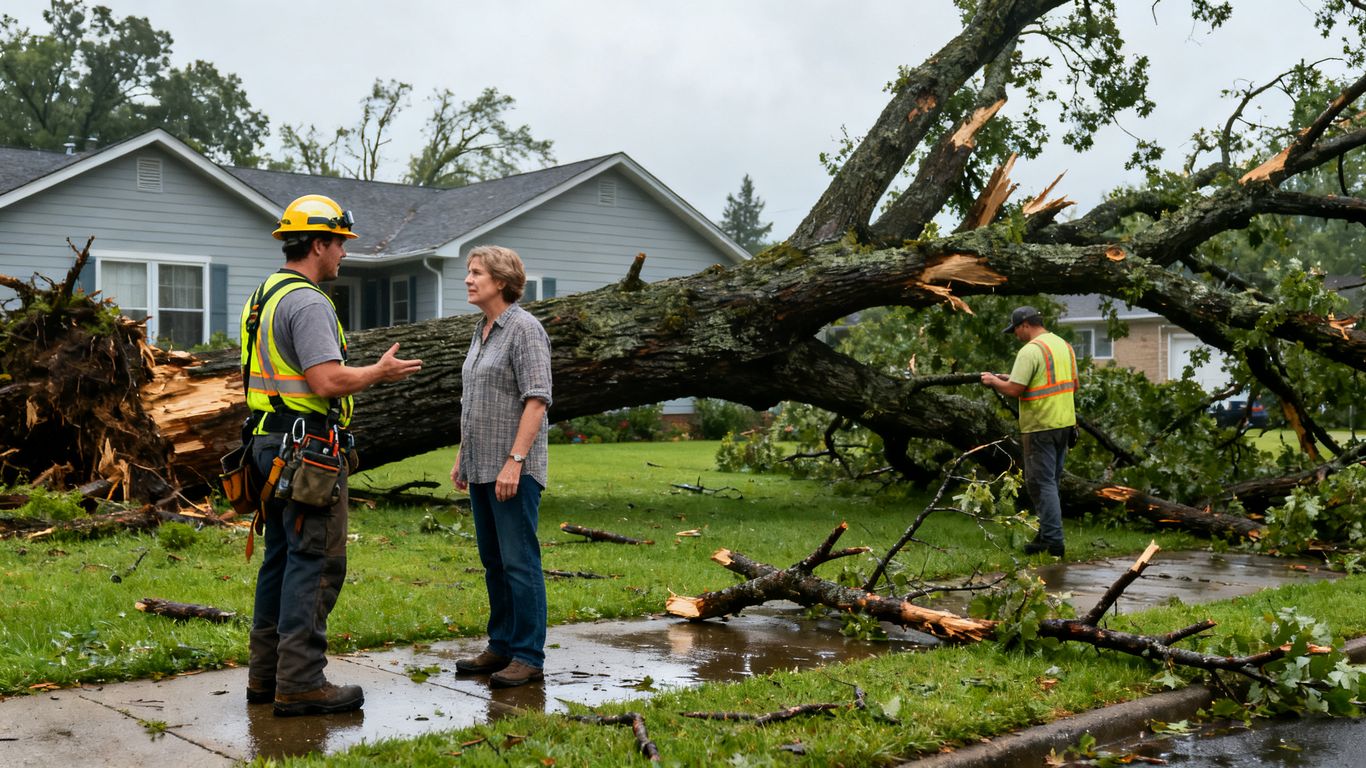
Target urgent queries such as “tree on house” and “emergency tree removal”
Searches such as “tree on house” and “emergency tree removal” signal a different need from “tree trimming estimate.” Build the emergency ad group around the language people use when damage has just happened, then review the actual search terms that appear. Avoid assuming every search containing the word emergency describes a job within your services or territory.
Separate emergency services from routine pruning and tree care
Keep emergency campaigns distinct from ads for pruning, removal estimates, or ongoing maintenance. Separate campaigns make it easier to adjust budgets and messaging without disrupting the business’s regular lead flow. They also help the team recognize what kind of request a new call is likely to involve before the conversation begins.
Use Google Search ads to match copy to the immediate need
For urgent searches, ad copy should acknowledge storm damage and state the relevant service area or next step plainly. A person searching during a stressful moment needs a clear route to contact, not a broad list of every service the company offers. Match the landing page to the ad so the homeowner does not have to work out whether the company handles the problem they searched for.
A short campaign review checklist helps keep that match intact as ads are edited:
- Confirm the ad describes an emergency service the crew actually provides.
- Check that the linked page is the storm-response page, not a general services page.
- Verify the advertised area against current dispatch coverage.
- Make sure the call option reaches someone who can assess the request.
These checks are quick, but they catch common mismatches between a click and the real service operation. For more ideas on emergency search planning, consider how local visibility and storm-ready pages fit together.
Review search terms to exclude irrelevant or out-of-area traffic
Search-term reviews are especially useful when an event brings in a mix of urgent and unrelated requests. Look for searches that indicate a different service, an informational query, or a location beyond the company’s reach. Add exclusions carefully: an overly broad negative can block a useful emergency query along with irrelevant traffic.
Make local search work during a storm
Paid search is only one place a homeowner may look for help. Local listings can shape whether a tree company appears credible and reachable when someone checks its location, hours, or phone number. Treat those details as operational information: they need to match what the dispatch team can actually support.
Optimize your Google Business Profile for emergency services
Review the business profile before storm season and confirm its contact details, service information, and hours are current. Use the available description and service details to make the company’s emergency work clear without suggesting a response time or availability that is not assured. If operating hours change temporarily, make sure the listing reflects the change as soon as the business can verify it.
Use Local Services Ads where tree services are eligible
Local Services Ads may be an option where tree services are eligible. Check eligibility and the current setup requirements for the business before relying on the channel as part of a storm plan. If it is available, treat it as one source of inquiries, with the same capacity checks and call-handling standards used for other campaigns.
Keep service areas, hours, and phone numbers consistent
A homeowner should not find one service area on an ad, a different one on a landing page, and a third on a business listing. Use a single source of truth for the areas served, the hours when calls can be assessed, and the phone number that should receive urgent inquiries. When details change during a storm, update the places customers are likely to check rather than relying on one edit to carry everywhere.
Publish storm updates without making unsupported availability claims
A brief update can explain that the company is monitoring storm-related requests or serving certain locations, if that is currently true. Avoid blanket claims such as being available everywhere or responding immediately unless the business can reliably support them. Useful updates set expectations; they do not promise a result the crew cannot guarantee.
Turn urgent clicks into qualified calls
An emergency landing page has a narrow job: make the next step obvious and collect enough information to determine whether the company can help. A fast, clear experience matters because visitors may be using a phone outdoors or under stressful conditions. The page should reduce friction without implying that every inquiry will become a dispatched job.
Put the phone number and emergency service offer above the fold
Show the emergency service and a working phone number near the top of the page, where a visitor can find them without scrolling. Explain briefly what kinds of storm-related calls the company handles and which locations it serves. Avoid burying the urgent contact path beneath general company history or a long inventory of routine services.
Design mobile landing pages for fast loading and easy tapping
Keep the mobile page light and straightforward, with buttons large enough to tap and the contact option visible. Test it on an actual phone, not only in a desktop preview. A page that loads slowly or makes the caller hunt for a number can lose an otherwise relevant inquiry before the team has a chance to respond.
Ask only the questions needed to assess urgency and location
A short intake should help the team understand where the hazard is and what kind of situation the caller is reporting. For example, the first questions might establish the address or town, whether a tree is on a structure, and the safest way to call back. Collect only what is useful for triage at this point; a long estimate form can wait until the immediate issue is understood.
Track calls, forms, and booked jobs as separate conversion actions
Count calls, form submissions, and booked jobs separately so the reporting reflects the different stages of the lead process. A form fill is not automatically a qualified inquiry, and a qualified call is not necessarily a completed job. Keeping those outcomes distinct makes it easier to understand where follow-up, service fit, or dispatch capacity is affecting results.
Manage leads and ad spend in real time
Storm response requires a close connection between marketing and dispatch. Click volume can increase while the number of crews available stays fixed, so campaign decisions should use current operational information. Regular, brief check-ins are more useful than leaving budgets and call handling untouched through a changing event.
Route calls by location, job type, and crew availability
Use a simple routing approach that helps the person answering identify where the call came from, what kind of problem it describes, and whether a crew can assess it. If the company serves several areas, make sure calls can be directed to someone who understands the relevant coverage. Clear notes from dispatch can then inform whether advertising should continue in a particular location.
Use call answering and missed-call follow-up procedures
Decide who answers when the primary contact is handling another call or already coordinating crews. If an inquiry is missed, have a practical follow-up procedure that states who returns the call and how the request is recorded. A fast, consistent response can make the difference between a conversation the company can assess and a lead that goes nowhere.
Adjust budgets as demand and response capacity change
Budget decisions should follow both incoming demand and the team’s ability to respond. Before raising spend, check that calls are being answered and that additional work can be handled; if crews are full, consider reducing or pausing the affected coverage. The goal is to keep advertising aligned with available crew capacity, not to spend simply because searches are rising.
Monitor cost per qualified lead instead of clicks alone
Clicks can show whether ads are attracting attention, but they do not tell you whether the inquiries fit the service area or can be turned into jobs. Review qualified calls, booked work, missed calls, and spend together. That fuller view helps identify whether the problem is targeting, the landing page, response time, or simply a temporary shortage of crew capacity.
Expand reach and improve performance after the storm
When the immediate surge eases, the work is not necessarily finished. Homeowners may continue searching for cleanup, removal, or follow-up tree care, and the campaign can shift from urgent response to a more measured local plan. Review what happened before carrying storm budgets and messaging into normal operations.
Use storm-specific SEO pages to capture ongoing local searches
A useful storm page can continue to explain emergency services, service areas, and how to contact the company after the first wave of searches. Keep its information accurate as availability and seasonal needs change. The page should answer local questions clearly rather than relying on a brief paid campaign to explain the business’s service fit.
Consider Meta ads for awareness and retargeting, not urgent intent alone
Meta ads can support awareness and retargeting, but they should not be treated as a substitute for search advertising when a homeowner is actively looking for immediate help. Use the channel with a clear role and evaluate it by the behavior it is meant to encourage. Keep storm-related messaging factual and avoid implying a specific crew response unless it has been confirmed.
Compare lead quality across Search, Local Services Ads, and other channels
Compare sources using consistent definitions of a qualified lead and a booked job. A channel that sends fewer inquiries may still be useful if those inquiries fit the company’s coverage and services. Include the time spent answering and screening calls in the review, not only the number of leads recorded.
Review outcomes to refine bids, keywords, landing pages, and dispatch processes
After the event, look at which search terms led to useful conversations, which areas generated work the crews could take, and where calls were missed or delayed. Use those observations to refine future bids, exclusions, pages, and internal routing. For broader context on tree care lead generation, compare storm response with the company’s other local acquisition efforts.
Conclusion
Emergency tree lead generation works best when advertising reflects the realities of dispatch: who can respond, where crews can travel, and what the business can honestly promise. Prepare the campaign before severe weather, keep local details consistent, and judge performance by qualified conversations and booked work, not traffic alone. If you are ready to make a change, start with the part of the process that currently slows your team down most.
Frequently Asked Questions
What should an emergency tree service ad include?
It should clearly identify the storm-related service, the areas served, and a direct way to contact the business. The message should match the destination page and avoid promises the company cannot confirm.
Should emergency tree ads use different keywords from routine campaigns?
Yes. Keep urgent storm-damage searches separate from routine pruning or maintenance terms so budgets, ads, and landing pages can reflect different needs.
When should a tree service company pause storm ads?
Consider pausing or reducing ads in areas where crews are full or calls cannot be handled. The decision should follow current response capacity, not just search volume.
How can a company avoid out-of-area emergency leads?
Use clear service-area information across ads and local listings, review search terms, and exclude traffic that is clearly outside the company’s coverage. Check exclusions carefully so relevant searches are not blocked by mistake.
What information should an emergency intake form request?
Start with details that help assess location and urgency, such as the town or address and a short description of the hazard. Collect additional estimate details after the immediate situation is understood.
Which results matter more than clicks during a storm?
Qualified calls, booked jobs, missed-call follow-up, and cost per qualified lead provide more useful context than clicks by themselves. They show whether the campaign is producing work the company can actually serve.
Should storm-specific landing pages stay online after the event?
They can remain useful if the information is still accurate and supports ongoing local searches. Update availability, service details, and contact information as conditions and operations change.