
If you run a countertop business, you’ve probably noticed how tough it is to stand out in Google search results. These days, getting your pages to show up in those little answer boxes—featured snippets—can make a huge difference. One of the best ways to do that is by adding FAQ schema to your countertop service pages. Not only does it help with regular search, but it’s also a big deal for voice search, which is growing fast in the home services world. In this post, I’ll break down why countertop FAQ schema featured snippets matter, how to set them up, and what to watch out for if you want more leads from both organic and paid campaigns.
Key Takeaways
- Adding FAQ schema to your countertop pages can help you snag featured snippets and boost your visibility in search results.
- Well-placed FAQs above the fold answer real customer questions and can increase clicks to your site.
- Keep your answers short and to the point—Google prefers quick, clear responses for snippets and voice search.
- Use JSON-LD for your schema markup; it’s easier for Google to read and test with their Rich Results tool.
- Track your rankings and clicks in Google Search Console to see if your FAQ changes are actually helping.
Why Countertop FAQ Schema Matters for Featured Snippets
Adding FAQ schema to your countertop service pages isn't just for fun—it's actually a smart move that can get your listings to show up more in Google’s featured snippets and help with voice search. If you’re in the business of countertops, you know every click and call counts. Here's why this technical step is worth it.
Enhancing Search Visibility for Countertop Brands
FAQ schema literally tells search engines what your page answers. When Google picks your Q&A for a snippet, you can end up in that top box on the page—that's great for branding. More visibility means more chances that searchers actually land on your website.
Here’s how it helps:
- Brings your answers right to the top in Google search
- Makes your listing bigger, so it's harder to miss
- If you’re lucky, sometimes you grab more than one top spot at once
Boosting Click-Through Rates With Rich Results
Featured snippets look a lot fancier than plain old search rows. With the right FAQ schema:
- Your name and quick answers appear directly in search
- More people see your phone number, reviews, hours, and services
- Fast facts can pull in people looking for countertop estimates or materials
| Scenario | CTR (Click-Through Rate) Change |
|---|---|
| FAQs without schema | − |
| FAQs with schema, no snippet | +5–10% |
| FAQs with featured snippet | +15–35% |
Rich results aren’t just for ego—they actually get more people onto your site, so you can book more jobs.
Supporting Voice Search Adoption in the Home Services Market
A lot more people are searching by voice, asking things like "Who installs quartz countertops near me?" If you answer common questions in an FAQ schema format, voice assistants are way more likely to pull your answer. It matters for local businesses because:
- People on their phones or smart speakers want quick answers.
- Schema gives Google the clue that your page can “speak” the answer.
- Short, clear answers are more likely to be read aloud to users.
If you ignore this, you might miss out on a bunch of potential customers who talk to their phones instead of typing. That’s real lost business, not just a tech fad.
Strategic Placement of FAQ Schema on Countertop Service Pages
So, you've got your countertop FAQs ready to go. That's great! But just having them isn't enough. Where you put them on your service pages really matters. Think about it like setting up a display in a store – you want the best stuff front and center, right? The same idea applies here. Getting your FAQ schema in the right spot can make a big difference in how visible your pages are and how many people actually click through.
Optimizing Above-the-Fold FAQ Integration
When someone lands on your page, what's the first thing they see? That's the "above-the-fold" area. If you can get your most important FAQs right there, without the user having to scroll, that's a win. It shows Google and your potential customers immediately that you've got answers. This is especially true for common questions like "What are your granite countertop prices?" or "How long does quartz installation take?".
- Place a few high-impact questions and answers right at the top.
- Make sure they are clearly labeled as FAQs.
- Consider a "Quick Answers" section if you have many FAQs.
The goal here is to grab attention fast and provide immediate value. If a user finds their answer quickly, they're more likely to stick around and explore further.
Selecting High-Intent User Questions
Not all questions are created equal. You want to focus on the ones that show someone is serious about buying or hiring. These are the questions that come up when someone is comparing options or ready to make a decision. Think about what someone would ask right before they pick up the phone or fill out a quote request form.
- Questions about pricing and quotes.
- Inquiries about installation timelines and process.
- Questions regarding material durability and maintenance.
- Comparisons between different countertop materials (e.g., "Granite vs. Quartz for kitchens").
Avoiding Over-Optimization Penalties From Schema Markup
While schema is great, Google doesn't like it when you try to stuff too much into it or use it in ways it wasn't intended. You don't want to end up with a penalty because you went overboard. Stick to the official guidelines for FAQ schema. This means only marking up actual questions and answers that appear on the page.
- Only mark up questions and answers that are visible to users.
- Don't try to hide text using CSS or other methods just to mark it up.
- Ensure each question has a clear, corresponding answer.
It's better to have a few well-placed, correctly implemented FAQs than a whole page of them that might get flagged. Keep it clean and user-focused.
Structuring Countertop FAQs to Capture Featured Snippets
Choosing the Right Format: Lists, Paragraphs, and Tables
When you're putting together your FAQ section for countertop services, how you present the information really matters. Google likes clear, easy-to-read answers, and the format you choose can make a big difference in whether your content gets picked up for a featured snippet. Think about what makes the most sense for the question being asked. Sometimes, a simple paragraph is best. Other times, a list or even a table can make the information much clearer.
- Paragraphs: Good for explaining a single concept or answering a straightforward question. Keep them short and to the point.
- Lists (Bulleted or Numbered): Great for step-by-step instructions, listing benefits, or providing multiple related points. They break up text and make it scannable.
- Tables: Useful for comparing different countertop materials, showing pricing structures, or presenting specifications side-by-side. They organize data effectively.
The goal is to make the answer as digestible as possible for both users and search engines.
Creating Concise Answers That Align with Snippet Requirements
Featured snippets often pull a short, direct answer from a webpage. This means your answers need to be concise and directly address the user's question. Aim for answers that are typically between 40 and 60 words. If an answer naturally needs to be longer, try to put the most important information at the beginning. Think about what someone would need to know immediately. If you're talking about granite countertop care, for example, start with the most critical cleaning tip.
Google's algorithms are designed to find the most relevant and direct answer to a query. If your FAQ response is buried in a long block of text or doesn't directly answer the question asked, it's less likely to be selected.
Integrating Location and Service Keywords for SEO Impact
To really make your countertop FAQs work for you, you need to think about keywords. What terms are people actually searching for when they need countertops in your area? Include these naturally within your questions and answers. If you're a countertop installer in Denver, make sure questions like "How much do quartz countertops cost in Denver?" or "Best granite countertop installers near me" are covered. This helps Google understand that your page is relevant not just for the topic of countertops, but for local searches too. It's about connecting what people are looking for with the specific services you provide in their neighborhood.
Here's a quick look at how keywords can be integrated:
| Keyword Type | Example Question |
|---|---|
| Material + Service | "Where to buy marble countertops in Chicago?" |
| Location + Service | "Countertop installation services in Austin, TX" |
| Problem + Solution | "How to clean granite countertops safely?" |
| Cost + Location | "Average cost of butcher block countertops in Miami" |
| Type + Benefit | "Benefits of quartz vs. laminate countertops" |
Technical Implementation of FAQ Schema for Countertop Pages
So, you've got your countertop questions and answers ready. Now, how do you actually get that FAQ schema onto your website so Google can see it? It's not as scary as it sounds, but you do need to get it right. The goal is to make it easy for search engines to understand your content.
Using JSON-LD Versus Microdata for Google Compatibility
When it comes to adding structured data like FAQ schema, you've got a couple of main ways to do it: JSON-LD and Microdata. Google actually recommends JSON-LD because it's generally easier to implement and manage. It's a separate script you add to your page, usually in the <head> or <body> section, which keeps your main HTML cleaner. Microdata, on the other hand, embeds the schema directly into your existing HTML tags. While it works, it can make your HTML look a bit messy and is harder to update later. For countertop pages, sticking with JSON-LD is usually the way to go.
Here's a quick look at the difference:
| Method | Implementation |
|---|---|
| JSON-LD | Separate script, easier to manage |
| Microdata | Embedded in HTML, can be complex to update |
Selecting High-Intent User Questions
Choosing the right questions is key. You want to pick questions that people are actually typing into Google when they're ready to make a decision about countertops. Think about what problems they're trying to solve or what information they need right before they contact you. For example, instead of a general question like 'What are countertops?', go for something more specific like 'How much do quartz countertops cost in [Your City]?' or 'Best granite countertop installers near me'. These specific questions show higher intent and are more likely to get you that featured snippet. You can find these by looking at your site search data, customer service logs, or even just brainstorming common customer queries. It's about anticipating their needs. You can also check out Google's guidelines on structured data to make sure you're on the right track.
Avoiding Over-Optimization Penalties From Schema Markup
While schema markup is great, you can technically have too much of a good thing. Google doesn't like it when sites try to game the system. This means you shouldn't be adding schema to every single page if it doesn't make sense. For FAQ schema, it should only be used on pages that actually have a list of questions and answers. Don't try to force it onto product pages if there isn't a clear Q&A section. Also, make sure your answers are genuine and directly answer the question. Stuffing keywords or providing irrelevant information in your answers can backfire. Stick to the facts and keep it user-focused.
The main idea is to use schema to help Google understand your content better, not to trick it. If your FAQ page genuinely answers user questions, then adding the schema is a good move. If you're just adding it for the sake of having it, you might run into trouble.
Tracking Performance of Countertop FAQ Schema Featured Snippets
Keeping an eye on how your countertop FAQ schema is doing in the search results isn’t just a good habit—it’s the only way to know if your efforts are paying off. Below, let’s break down how you can track results, spot what's working, and see where your fixes need to happen.
Identifying Ranking Changes in Google Search Console
Google Search Console (GSC) is your best friend for seeing ranking movements, especially after you add FAQ markup. Look out for changes in ranking positions, impressions, and clicks for search terms related to your countertop services.
- Track keyword positions before and after FAQ integration.
- Watch for any new queries or page URLs showing up in your reports.
- Pay attention to any appearance of FAQ-rich results in GSC’s Enhancements tab.
| Metric | Before FAQ Schema | After FAQ Schema |
|---|---|---|
| Avg. Position | 10 | 5 |
| Clicks (per week) | 50 | 110 |
| Impressions | 700 | 1850 |
If you spot a jump in clicks and positions, it’s usually a good sign your FAQ schema is getting noticed by Google.
Monitoring Voice Search Queries and Engagement
Voice searches are on the rise, especially in the home services industry. But you can’t measure them the same way as typed queries—sometimes, you need to look closer.
- Filter GSC queries containing conversational phrases like "how," "where," and "what's the best way to...".
- Watch your site analytics for mobile and smart device traffic increases.
- Set up separate tracking for long-tail queries, which are common in voice search.
Attributing Conversion Uplifts to FAQ Enhancements
It's great if people find your page, but are they actually booking a quote or sending a message after reading your FAQs? That's what matters.
Here’s a simple way to track it:
- Set up conversion goals (like click-to-call or form submissions) in Google Analytics.
- Tag pages with updated FAQ schema.
- Compare conversion rates before and after your change.
| Page Version | Conversion Rate |
|---|---|
| Before FAQ Schema | 1.2% |
| After FAQ Schema | 2.8% |
Tracking performance isn't just about bragging rights or numbers on a report—it helps you fine-tune your FAQ content so actual customers find you and take the next step.
Optimizing Countertop FAQ Content for Paid and Organic Campaigns
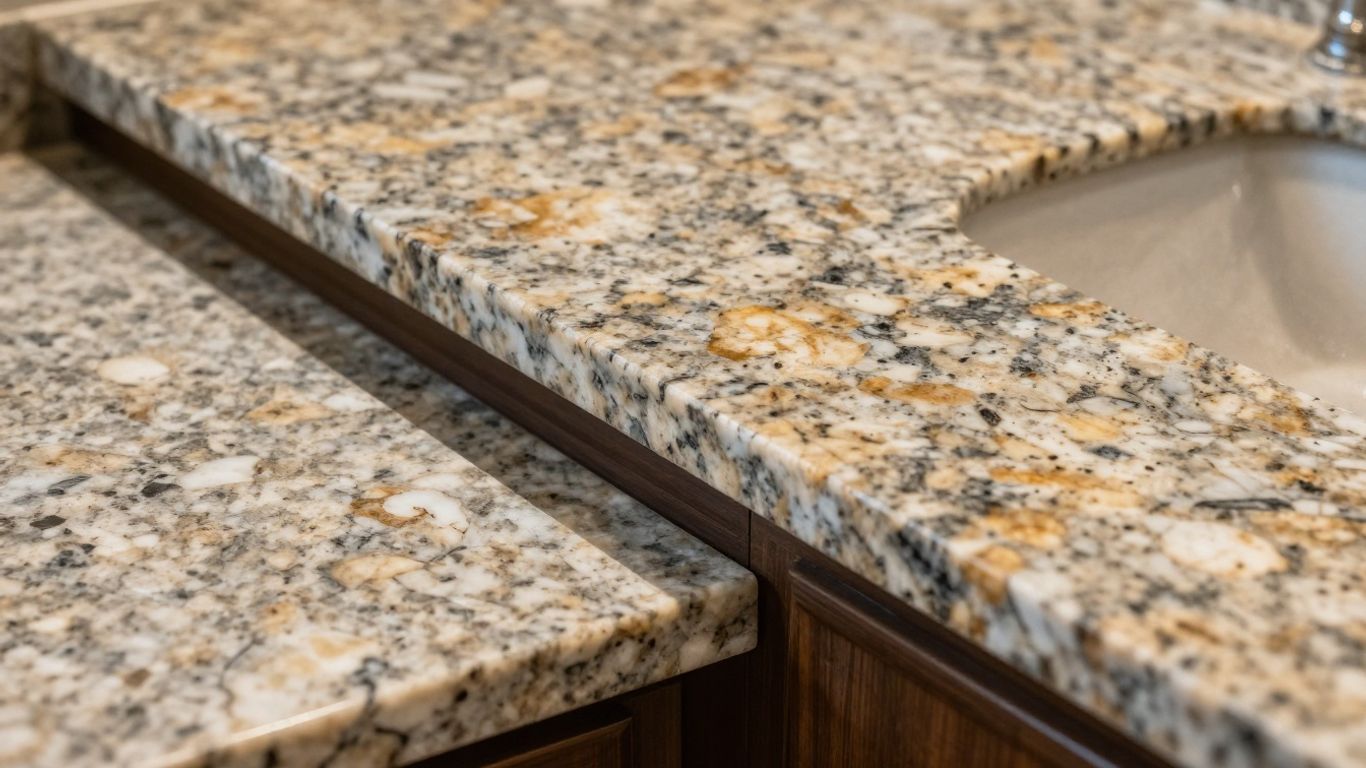
So, you've put in the work to get your countertop FAQs set up with schema. That's great for organic search, but what about when you're running ads or trying to get noticed in local searches? It's not just about having the questions and answers; it's about making them work harder for you across different marketing channels. Think of your FAQ content as a versatile tool, not just a one-trick pony.
Aligning FAQs With Paid Search Ad Copy
When people search for countertops, they often have specific questions in mind. Your paid ads should reflect this. If your ad copy mentions "quartz countertop installation," and your FAQ page has a detailed answer about quartz installation timelines or costs, you've got a direct connection. You can even use snippets from your FAQ answers to create more compelling ad text. For instance, if a common question is "How long does granite countertop installation take?" and your answer is "Typically 1-2 days for most kitchens," you could use that in your ad to set expectations and attract clicks from genuinely interested buyers. This kind of alignment helps filter out clicks from people who aren't serious about moving forward. It's about making your ads as informative as possible, right from the start. This helps attract more qualified leads to your business.
Building SEO-Driven Landing Pages With Embedded Schema
Your landing pages are where the magic happens, especially for organic traffic. Make sure your FAQ schema is not just on a general page, but specifically on the landing pages that target particular services or countertop materials. If someone searches for "marble countertop repair," and your landing page has an FAQ section addressing common repair issues for marble, that's a direct hit. The schema helps Google understand that your page is a great resource for that specific query. This can lead to your page showing up in those coveted featured snippets, giving you a significant visibility boost. It's about making your content directly answer the questions searchers are typing into Google, and having that schema in place tells Google you've got the goods.
Leveraging FAQs in Local Service Ads and Map Packs
Local Service Ads (LSAs) and Google Maps Pack results are gold for countertop businesses. Your FAQ content can play a role here too. While you can't directly embed schema into LSAs, the content of your FAQs can inform the descriptions and services you list. More importantly, if your website has well-structured FAQ schema, it can contribute to your overall site authority and relevance, which indirectly helps your local rankings. Think about the questions people ask when they're looking for a local service: "What are your service areas?" "Do you offer free estimates?" "What's your warranty policy?" If these are answered clearly on your site, and ideally structured with FAQ schema, it signals to Google that you're a legitimate and informative business. This can help you appear more prominently in local searches and map results.
The goal is to make your FAQ content work across the board. It's not just for Google's robots; it's for real people looking for answers. When your answers are clear, concise, and directly address user intent, they serve paid ads, organic listings, and local search visibility much better. It's about being helpful, first and foremost.
Want to make your countertop questions easy to find online? We can help you write answers that both search engines and shoppers will love. Get your countertops noticed and sell more by making your website shine. Visit our site today to learn how we can boost your business!
So, What's the Takeaway?
Look, getting your countertop pages to show up in those featured snippets and voice search results isn't some magic trick. It's about giving Google exactly what it wants: clear, direct answers to common questions. By using FAQ schema, you're basically handing Google a cheat sheet for your content. It makes it way easier for them to pull out the good stuff and show it off. We've seen it work for our home service clients, and it can work for you too. Start thinking about the questions your customers actually ask, get them answered on your site, and mark them up with schema. It’s a solid move that can really help people find you when they need you most.
Frequently Asked Questions
What exactly is FAQ schema for countertop websites?
Think of FAQ schema as a special code you add to your website. It tells search engines like Google, 'Hey, this page has answers to common questions about countertops!' This helps Google understand your content better and can make your page show up more often in search results, sometimes even in a special box at the top.
How does this help my countertop business get noticed online?
When your website shows up in that special box at the top of Google, it's called a featured snippet. It's like winning the lottery for search results! More people see your business, and they're more likely to click on your link because they think you have the exact answer they need. It’s a big deal for getting more customers.
Can this schema help people asking questions with their voice?
Absolutely! More and more people are using voice assistants like Alexa or Google Assistant to find services. When someone asks, 'What's the best countertop material for kitchens?', if your website has the right FAQ schema, Google can easily pull your answer and read it aloud. This is a huge opportunity for home service businesses.
Where should I put the FAQ section on my countertop page?
It's best to put your FAQs where people can see them easily, ideally right when they land on the page or very close to the top. This way, visitors get their questions answered quickly, and search engines see that you're providing valuable information right away. Don't hide them at the bottom!
What kind of questions should I include in my countertop FAQs?
Focus on questions that potential customers actually ask. Think about things like: 'How much do quartz countertops cost?', 'What's the difference between granite and marble?', 'How do I clean my countertops?', or 'What areas do you serve?'. Use words that people search for, especially if they mention your city or service area.
How do I make sure the FAQ schema is set up correctly?
You'll need to add specific code, usually in a format called JSON-LD. It's like writing a secret message for Google. After you add it, it's super important to use Google's 'Rich Results Test' tool. This tool checks if your code is right and if Google can understand it. Fixing mistakes now saves headaches later.