Multi-Location SEO for Pest Control Companies: Separate Pages, Separate GBPs, Same Brand
Key Takeaways
Multi-location SEO works best when each page and profile reflects a real market, while the customer experience still feels like one business.
- Build location pages around actual branches or meaningful service territories.
- Give each page useful local details, clear service information, and an easy next step.
- Create separate Google Business Profiles only for eligible locations, with accurate details.
- Make each profile point to its matching page and keep business information consistent.
- Track calls and leads by market, then update pages and listings as coverage changes.
Build a location structure around real service territories
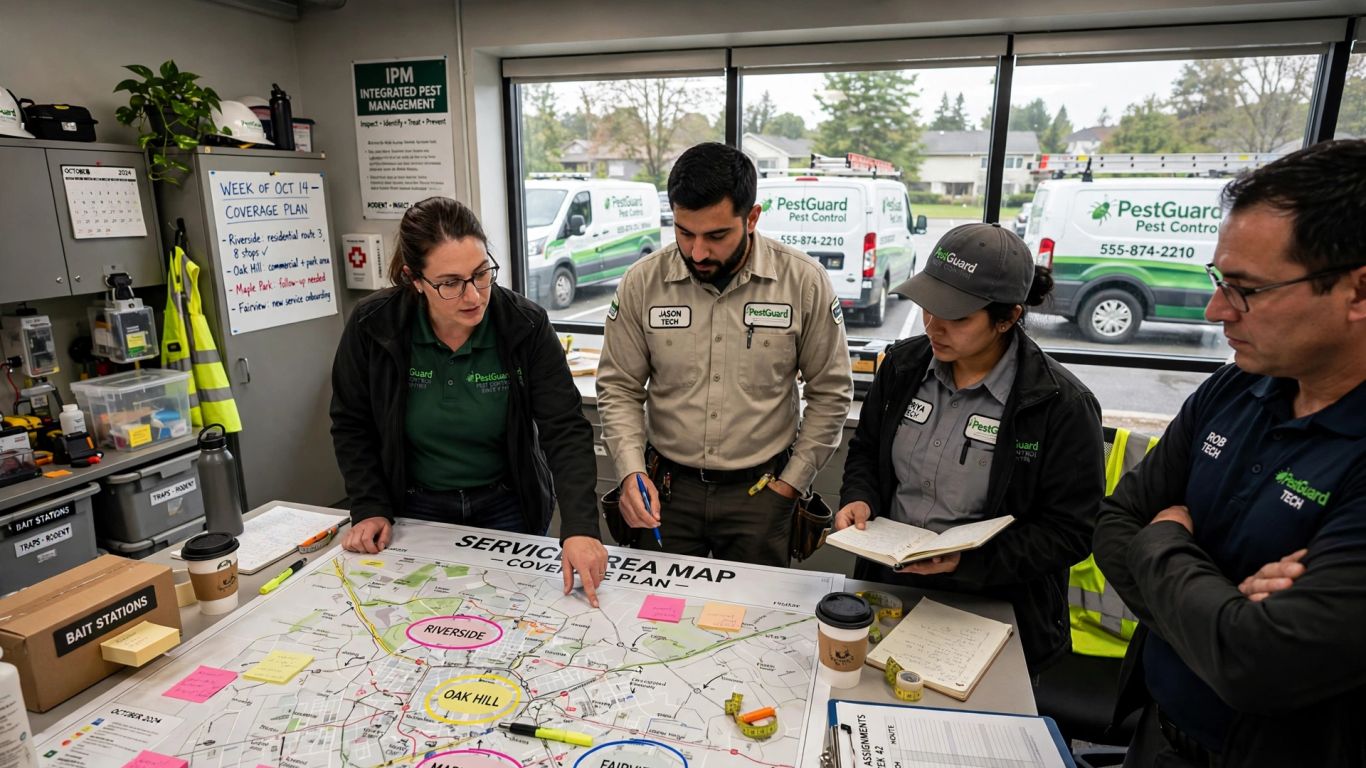
A location strategy should start with where the company can genuinely serve customers, not with a list of nearby city names. For a pest control company multi-location SEO plan, map staffed branches and service-area coverage before deciding which pages to publish. This makes it easier to give searchers a clear answer about who serves their address. It also keeps the site structure manageable as the business expands.
Distinguish staffed branches from service-area coverage
A staffed branch and a service territory are not the same thing. A branch may have a customer-facing location, local staff, and its own contact details, while a service area may be covered by a team based elsewhere. Reflect that distinction in the website and in each Google Business Profile, following current eligibility requirements rather than presenting every town as a physical office. Clear wording helps customers understand where they can visit and where technicians travel to them.
Choose location URLs that are clear and scalable
A predictable URL structure makes it easier for people and site managers to understand how locations fit together. Choose one pattern that can accommodate new branches without creating a different arrangement for every market. For example, the structure might separate location pages from service pages like this:
| Page purpose | Example URL pattern | Best fit |
|---|---|---|
| Main location directory | /locations/ |
A business with several markets |
| Branch page | /locations/city/ |
A staffed branch with local details |
| Local service page | /locations/city/service/ |
A distinct local service need |
Use the simplest pattern that matches the actual business. A directory can help visitors compare branches, while a deeper page is useful only when it adds distinct information rather than repeating the same service copy under a longer URL.
Create pages only for markets with a distinct customer need
Not every place a technician might drive to needs a separate landing page. A page is easier to justify when it can answer local questions with real information, such as which services are available, how coverage works, or how to contact the team responsible for that market. If the only difference is the town name, a service-area explanation on a broader page may be more useful. A related local SEO guide for multi-location pest control offers another perspective on connecting market pages and business listings.
Make each location page useful on its own
A location page should work as a practical decision page, not just an address inserted into a shared template. Visitors should quickly understand whether the company serves them, what kind of help is available, and how to get in touch. Local information earns its place when it answers a question a customer in that market would actually ask. Keep the page focused, then add supporting details that make the local offer credible.
Show the services and pests relevant to that market
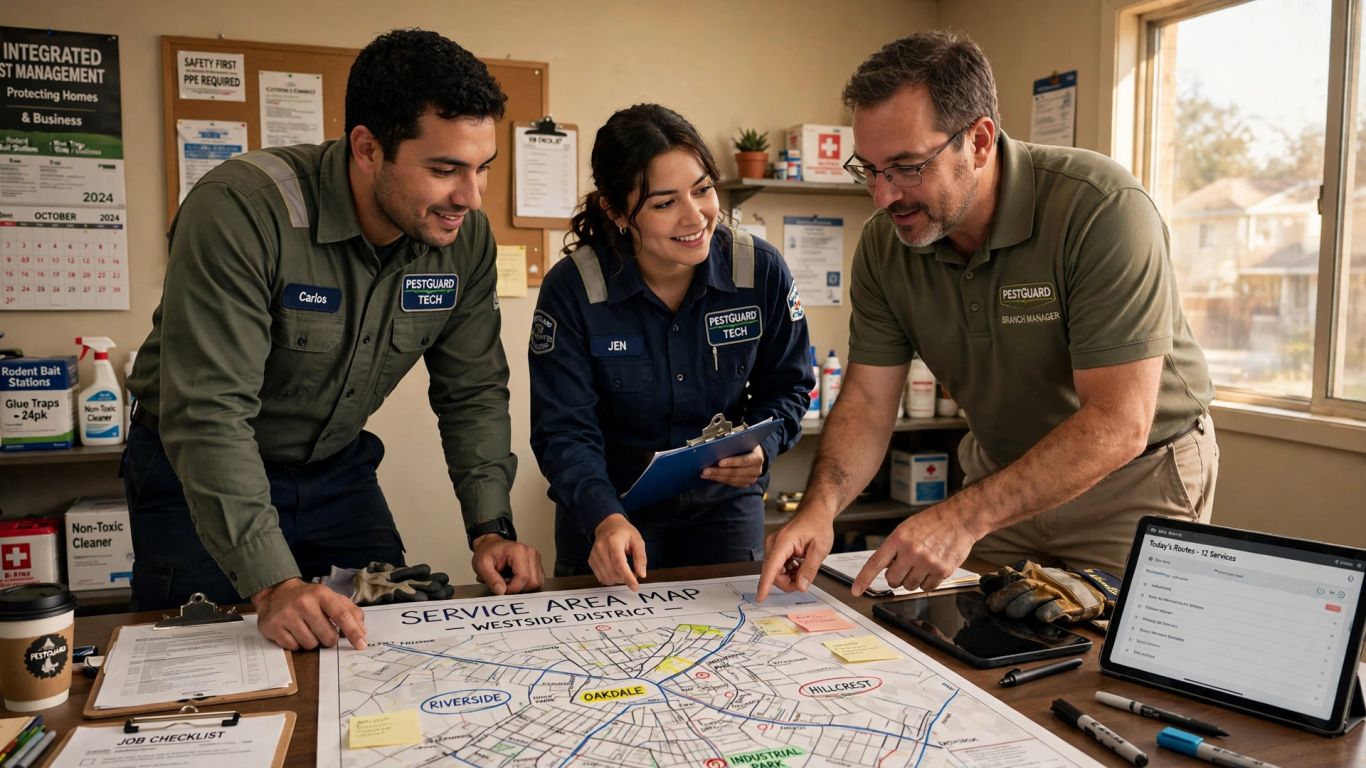
Service demand can differ between markets, and each page should describe only what the local team actually offers. Explain relevant treatments in plain language and avoid listing every pest or service simply to widen keyword coverage. Seasonal patterns, property types, and customer questions can guide which details deserve space, but they should reflect the company’s real work in that area. A focused page is more helpful than a generic catalog repeated across every city.
Add local proof, such as team details, reviews, and completed jobs
Useful local proof gives readers a reason to trust that the page represents an operating team, not a search-engine placeholder. Depending on what the business can verify and share, that may include a branch contact, technician information, customer feedback, or a brief description of work completed nearby. Ask permission before publishing customer details or job photos, and keep claims specific to the source. These details should be current; an outdated team member or service claim can undermine the page.
Give visitors a clear way to call or request an estimate
A strong page makes the next step obvious without forcing every visitor into the same route. Some customers want to call with an urgent pest concern; others prefer a form and a follow-up. Keep the location’s phone number and estimate request options easy to find, and make sure submissions reach the team responsible for that market. A short set of practical checks can help teams review the page before publishing:
- Confirm the phone number reaches the right branch or dispatch team.
- Ask only for information needed to respond to an estimate request.
- Explain what happens after a visitor submits the form.
- Test the page on a phone and complete a test submission.
Those checks reduce friction and catch simple handoff issues that can otherwise go unnoticed. Review the contact path whenever staffing, phone routing, or service coverage changes.
Set up separate Google Business Profiles correctly
Separate profiles can make sense when a business has genuinely distinct, eligible locations, but creating more listings is not a shortcut to visibility. Each profile should represent a real operating presence and provide accurate information customers can use. Decide who owns updates for each branch, then establish a routine for checking the details. That basic discipline matters just as much as the initial setup.
Confirm each location meets Google’s eligibility requirements
Before creating a profile, check whether the location meets Google’s current eligibility rules. A staffed, customer-facing branch and a business that travels to customers may be treated differently, so do not list a mailing address, virtual office, or unstaffed location as though customers can visit it. For a service-area business, represent the operation accurately and follow the options available in the profile settings. Rules can change, so verify them when opening a new branch or revising a listing.
Use accurate names, addresses, hours, and service areas
Use the business name customers encounter in the real world, along with the correct address or service-area details, phone number, and hours. Avoid adding city or service keywords to a name unless they are genuinely part of the business’s established name. Keep holiday hours and temporary closures current, and make sure a customer calling the profile can reach someone who can help. Accurate details set a reasonable expectation before the first conversation.
Prevent duplicate listings when branches move or territories overlap
A move, acquisition, or territory change can leave old listings behind. Keep a record of active locations and profile ownership so staff can identify which listing represents each branch. When territories overlap, explain service coverage clearly rather than creating extra profiles for nearby towns. If a branch closes or relocates, review the relevant profile and website together so customers are not sent to a vacant address or disconnected number.
Connect each profile to the right local landing page
The business profile and location page should reinforce one another. A searcher who leaves a profile for the website should arrive at information about the same branch or service territory, not a generic homepage that makes them start over. Consistent details also make it easier for teams to spot outdated contact information. Treat the profile and page as two parts of one local customer path.
Link each GBP to its matching location page
Point each Google Business Profile to the page that best represents the listed location. If the profile is for a staffed branch, use that branch’s page; if it represents a service-area operation, choose a page that accurately explains its coverage. Avoid sending every profile to the same homepage when relevant local pages exist. After changing a destination, test the link on a phone and confirm that the page’s contact route matches the profile.
Keep business details consistent across the website and directories
Review names, addresses, phone numbers, hours, and service descriptions across the website and business directories. Small mismatches can confuse customers, especially after a phone system update or branch move. Keep a central record of approved details and note who is responsible for updates. Consistency does not mean every page needs identical copy; it means the facts about the business agree wherever a customer finds them.
Use local business schema without marking up unsupported locations
Structured data can help describe information already present on a page, but it is not a substitute for accurate content or an eligible business location. Add local business markup only when the page supports the details being marked up, and do not create markup for hypothetical branches or towns without a real location basis. Check that the visible page and structured data agree on essential facts. If a location changes, update both rather than letting the markup drift out of date.
Prevent thin pages and location keyword cannibalization
Publishing a page for every nearby place can create a large site that offers little help to customers. It can also make it harder to distinguish which page should serve a query when multiple pages repeat the same services and wording. Start with a clear purpose for each page and make sure that purpose is visible in its content. A smaller set of useful pages is often easier to maintain than a city-name template multiplied across a map.
Write distinct content instead of swapping city names
Changing a city name in a title and a few paragraphs does not make a page meaningfully local. Write from information that is specific to the market, such as the responsible team, verified coverage, locally relevant services, or the questions customers ask there. If those details are not available, do not invent them to make a page look unique. It is better to improve the main location page than publish a thin variation with no additional value.
Give each page a clear service and geographic focus
A page should make its intended purpose easy to understand: which service it covers and which location or territory it serves. Avoid building several pages that target the same service in the same area unless each one serves a distinct customer need. Clear titles, useful headings, and concise introductions help visitors orient themselves. They also give site managers a practical way to review whether the page still belongs in the structure.
Avoid doorway pages for suburbs without meaningful local value
A suburb page should exist because it helps people in that suburb, not merely because the name has search volume. If the business has no separate team, service detail, or useful local information for the area, a broader coverage page may be a better fit. Explain the actual service boundary and give people a straightforward route to check availability. This keeps the site from promising a local presence that does not exist.
Keep one brand while showing local differences
Customers should recognize the same business as they move from one market page to another. At the same time, a consistent look should not flatten meaningful local differences, such as which services a team provides or how customers reach it. Set shared rules for essential information, then let each branch contribute details that are true for its market. The result should feel coordinated, not copied.
Standardize brand elements and core service information
Set common expectations for logos, page layout, terminology, service descriptions, and contact details. Shared standards reduce accidental differences and make updates easier across many pages. They should define what must stay consistent, not require every page to use identical paragraphs. Make the source of truth for core service information easy for local teams to find, so edits do not gradually produce conflicting descriptions.
Let teams highlight local expertise and customer feedback
Give branch teams a way to contribute verified local details, including staff knowledge and customer feedback they are allowed to share. A local perspective can make a page more useful, but it should stay within the services and claims the business can support. Establish a simple review process before publishing updates, especially when feedback includes personal information or a specific result. Local details work best when they are both distinctive and dependable.
Coordinate review requests and responses across branches
Agree on how teams invite customers to leave feedback and who monitors incoming reviews. Keep requests respectful and consistent, and avoid asking customers to write a particular rating or claim. Assign responsibility for responses so feedback does not sit unanswered when a branch is busy. A shared approach protects the customer experience while giving each location room to respond in its own voice.
Track local performance and maintain each market
A location program needs ongoing attention after pages and profiles go live. Measure outcomes in a way that distinguishes markets, then use the findings to decide where to investigate rather than assuming a ranking tells the whole story. Calls, forms, and booked work can each reveal a different part of the customer path. Regular reviews also catch operational changes before they leave customers with outdated information.
Measure calls, form leads, and booked jobs by location
Track calls and form submissions by the location or team that receives them, and compare those leads with booked jobs where the business can reliably connect the records. Keep the definitions consistent: a call is not automatically a qualified lead, and a form submission is not necessarily a booked treatment. Review lead quality with the people answering phones and following up. That conversation can reveal whether a page is attracting relevant requests or creating avoidable confusion.
Compare Google Business Profile and organic search performance
Review profile activity and organic search performance side by side, while remembering that they describe different parts of local discovery. Look for changes by market, page, and service, then investigate what else changed at the same time, such as staffing, seasonality, or service coverage. Do not judge a location from one isolated metric or a short period. A steady comparison helps teams distinguish a tracking issue from a genuine change in demand.
Audit listings, pages, and service coverage as the business grows
A light but regular audit can keep market information aligned as branches open, move, or adjust their territories. Check the live page, profile details, contact route, and local service claims together instead of treating each asset as a separate task. Add a review when a phone number, team, or hours change, and schedule broader checks as the location network grows. A simple record of owners and update dates makes the process easier to repeat.
Conclusion
Strong multi-location SEO is less about publishing the most pages and more about making each market legible to customers: a real service footprint, a useful local page, an accurate profile, and a clear path to contact the right team. Keep those pieces connected as the business changes, and use performance data to decide where local information needs attention. If you’re ready to plan the next steps for your markets, start a conversation through Calendly.
Frequently Asked Questions
Should every city a pest control company serves have its own page?
No. Create a page when it can provide useful, accurate information for that market. If a city page would only repeat existing copy with a different place name, a broader service-area page may be more helpful.
Does every branch need a separate Google Business Profile?
A separate profile may be appropriate for a distinct location that meets Google’s current eligibility requirements. Check the rules for the specific type of operation before creating a listing, and do not represent an unstaffed address as a customer-facing branch.
Should a service-area business show its address online?
That depends on how the business operates and the applicable profile requirements. Represent the location and service area accurately, and do not imply that customers can visit an address if the business does not receive them there.
What should a pest control location page include?
Include accurate services and coverage, useful local details, and a clear way to contact the responsible team. Add only local proof and customer information that the business can verify and is permitted to share.
How can a company avoid duplicate or competing location pages?
Give every page a distinct service and geographic purpose, and review the site for pages that substantially repeat one another. Consolidate or revise pages when they no longer serve a separate customer need.
Should each Google Business Profile link to the homepage?
When a relevant location page exists, linking directly to it usually gives visitors a more useful next step. The destination should match the branch or service territory represented by the profile.
What should multi-location SEO teams measure?
Track calls, form leads, and booked jobs by market where possible, alongside profile and organic search activity. Use consistent definitions and review lead quality, not just raw totals.